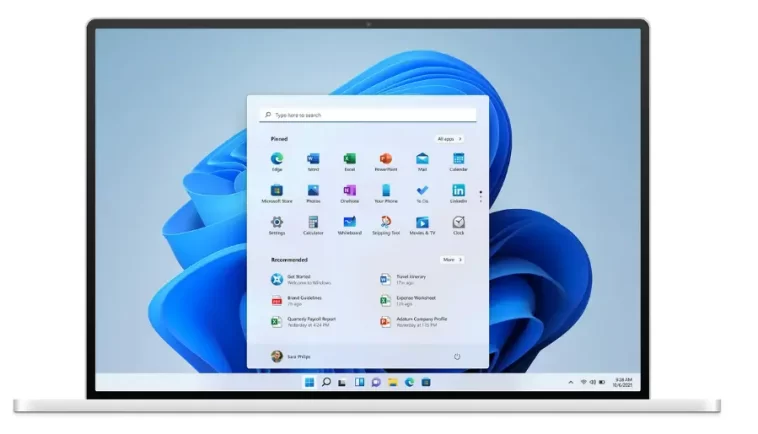
The Windows 11 K2 Project represents more than just a regular update. According to insider reports, it reflects a deeper change in Microsoft’s development philosophy. Engineers are now prioritizing core system improvements instead of constantly introducing new features.
The name “K2” is inspired by one of the world’s most challenging mountains, symbolizing the difficulty of the task ahead. Internally, the project focuses heavily on quality. Starting in late 2024, Microsoft began accelerating efforts to eliminate technical debt and address long-standing issues within the system.
In recent years, Microsoft invested heavily in AI tools like Copilot, which shifted attention away from the operating system’s core performance. Now, with the Windows 11 K2 Project, teams are returning to basics—listening closely to user feedback and fixing everyday frustrations. These include slow right-click menus, laggy taskbar animations, and poor performance on lower-end devices.
A Cleaner Interface and Better User Experience
One of the most noticeable goals of the Windows 11 K2 Project is simplifying the user interface. Microsoft plans to reduce the number of ads and suggested content that many users found intrusive. This change is expected to create a cleaner and more focused experience.
By softening its aggressive approach to recommendations and advertisements, Microsoft hopes to win back both individual users and enterprise customers who value stability and reliability. The project is widely seen as one of the company’s most serious attempts to improve Windows 11.
Preparing for the Future
Industry insiders believe that the Windows 11 K2 Project is also a preparation phase for future versions of Windows, possibly even Windows 12. Instead of rushing into a new release, Microsoft appears determined to fix existing problems first. This strategy reduces the risk of carrying over old issues into future systems.
The cleanup effort is expected to continue until at least 2027. During this time, Microsoft aims to strengthen its position against competitors like Apple and Google by delivering a more polished and reliable software experience.
New Screen Tint Feature Improves Eye Comfort
Alongside performance improvements, Microsoft is also testing a new feature called Screen Tint in preview versions of Windows 11. This feature is designed to protect eye health and improve screen comfort, especially for users who spend long hours in front of their computers.
Unlike the existing Night Light mode, which simply adds a yellowish tone to the screen, Screen Tint offers multiple customizable filters. Users can choose from presets like Calm Amber for long sessions, Rose Tint for reducing migraine triggers, and Soft Yellow for better reading comfort. Other options include Cool Blue, Gentle Green, and Natural Grey, each designed for different visual needs.
The feature also allows full customization, letting users create their own color filters and adjust intensity levels with a slider. While there is no confirmed release date yet, Screen Tint is expected to be a valuable addition for productivity and health.
