Windows
Tech guides, tips, news, and tutorials about Microsoft Windows, including performance tweaks, troubleshooting solutions, and the latest updates for Windows users
More stories
- in Windows
How to Fix Windows 11 Audio Crackling with USB DAC
Bought a decent USB DAC specifically to get away from the muddy sound of my laptop’s onboard audio, plugged it in, and got random crackling and popping during playback instead — worse during anything CPU-heavy, better when the laptop was basically idle. Windows 11 audio crackling with a USB DAC is usually caused by USB […] More
 in Windows
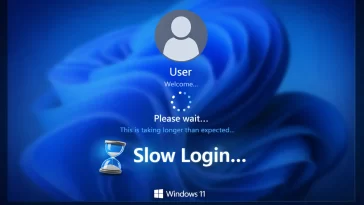
How to Fix Windows 11 Slow Login After Password Entry
I’d type my password, hit enter, and then just stare at the spinning dots for a solid 30-45 seconds before the desktop actually showed up — on an SSD, which made it feel even more ridiculous. Windows 11 slow login after password entry is usually caused by too many startup programs fighting for resources, a […] More
- in Windows
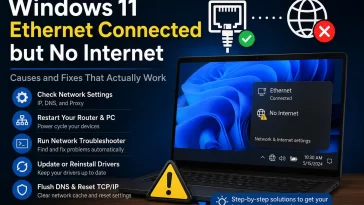
How to Fix Windows 11 Ethernet Connected but No Internet
Plugged the cable in, Windows showed “Connected” right in the taskbar, and yet nothing loaded — no websites, no updates, nothing. Windows 11 Ethernet connected but no internet almost always comes down to a bad IP address assignment, a DNS problem, or a driver that’s technically working but not passing traffic correctly, and most of […] More
- in Windows
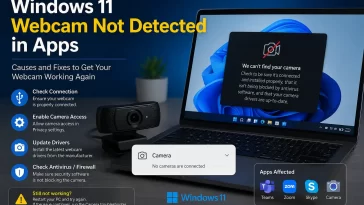
How to Fix Windows 11 Webcam Not Detected in Apps
Had a client call start in five minutes and Teams just showed a black box where my camera preview should’ve been — no error, no warning, just nothing. Windows 11 webcam not detected in apps is almost always a privacy permission blocking access, another app already holding the camera, or a driver that got confused […] More
- in Windows
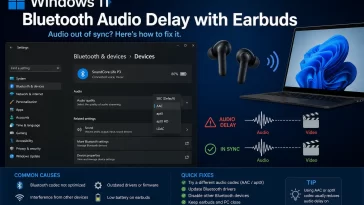
How to Fix Windows 11 Bluetooth Audio Delay with Earbuds
I noticed the lag the first time I tried watching a YouTube video with my earbuds during a work call gap — the guy’s mouth was moving a solid half second before I heard anything. Windows 11 Bluetooth audio delay with earbuds is usually a codec mismatch or a driver power-saving setting messing with the […] More
- in Windows
How to Fix Bluetooth Audio Stuttering on Windows 11 After Connecting Xbox Controller
I noticed this the first time I tried to actually use my headset and controller together instead of just testing them separately — audio was fine, controller was fine, and the second both were connected over Bluetooth at once, my headset started stuttering like a bad phone call. If you’re getting clean audio until your […] More
- in Windows
Top 10 Best Free Partition Managers for Windows
A tested rundown of the free partition manager tools that actually resize, merge, and manage Windows hard drives safely, without risking your data. My Experience Managing Partitions on Windows I still remember the first time I tried to shrink my C: drive using nothing but Windows’ built-in tool, only to find “Extend Volume” greyed out […] More
- in Windows
Top 10 Free Tools to Clean and Optimize a Windows PC
A straight-up list of the free tools that actually clean junk, free up RAM, and speed up a Windows PC, without bundling in extra software you didn’t ask for. My Experience Cleaning Up a Slow Windows PC I picked up a laptop a while back that had been running for years without a single cleanup. […] More
- in Windows
Top 10 Easy Ways to Improve Core Web Vitals and Page Speed
A practical, no-fluff guide to the fixes that actually move the needle on LCP, INP, and CLS, without needing a dev team on standby. My Experience With Core Web Vitals I remember the first time I opened Search Console and saw a wall of red “Poor” labels sitting next to my best-performing pages. I thought […] More
- in Windows
Top 10 Most Common Windows Error Codes and How to Fix Them
A practical, no-nonsense breakdown of the Windows error codes you’re most likely to run into, and the exact steps that usually clear them. My Experience With Windows Error Codes I’ve lost count of how many times a random string of numbers has popped up on my screen right before something important was due. Windows error […] More
- in Windows
10 Ways to Fix High CPU Usage in Windows 11
My laptop fan sounded like a leaf blower for three days straight before I even bothered opening Task Manager. I figured it was just “getting old.” Turns out a single background service was quietly pinning my CPU at 60% the entire time, and I didn’t notice until my battery started dying by lunchtime. High CPU […] More
- in Windows
How to Fix Windows 11 Empty Desktop After Signing In
Signed into my desktop last week and got exactly nothing — just the wallpaper, a mouse cursor, and no taskbar, no icons, no Start button, like Windows forgot to load the actual desktop part of itself. An empty desktop after signing in to Windows 11 almost always comes down to the shell process failing to […] More