If you want to sell CS2 skins for money, the good news is that it’s never been easier — but it’s also never been more important to know what you’re doing before you list anything.
I’ve been opening cases and trading skins since the early CS:GO days, and I still remember the first time I tried to cash out an inventory I’d built up over two years. I had no idea where to start, I got a lowball offer from a sketchy “buyer” within minutes, and I almost gave my Karambit away for half its value. That experience taught me a lot, and this guide is everything I wish someone had told me before I started.
By the end of this post, you’ll know exactly how to turn your CS2 inventory into real cash, which platforms are actually safe, and how to avoid the mistakes that cost traders thousands of dollars every year.
Why CS2 Skins Are Worth Real Money
CS2 skins aren’t just cosmetic items anymore. They’re a full digital economy with its own pricing, demand cycles, and even its own slang.
The market for buying and selling CS2 skins is genuinely massive. The CS2 skin economy generates an estimated $400 to 500 million in annual transaction volume. That’s not a typo — hundreds of millions of dollars move through skin trading every single year.
A few reasons skins hold value:
- Rarity – Some skins were only available during limited events or early case drops.
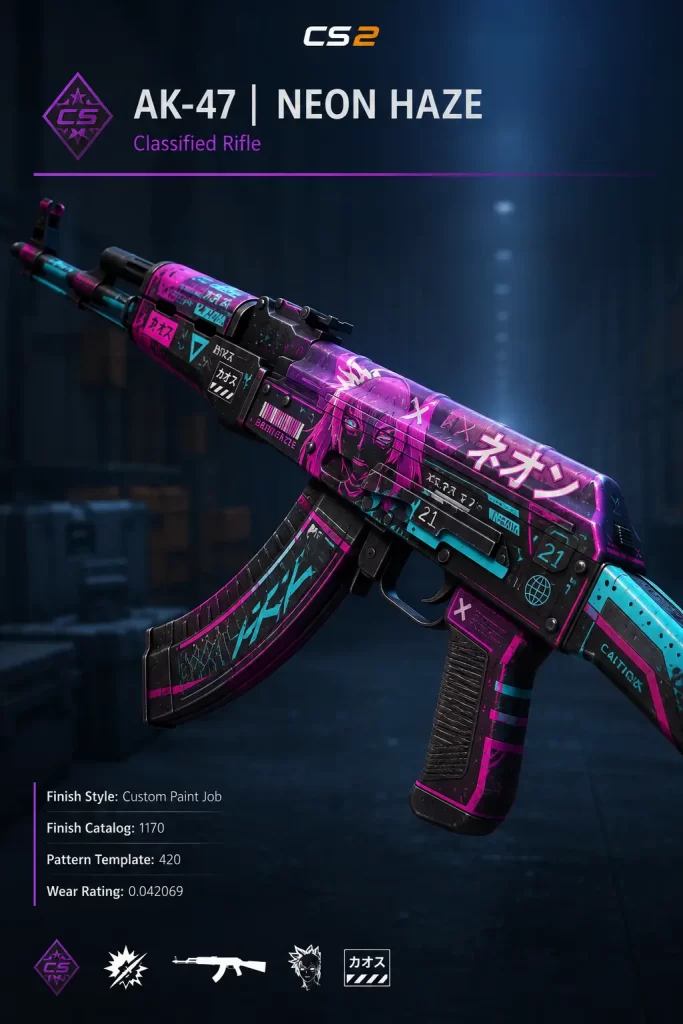
- Float value – A lower float (wear level) on certain skins can massively increase price.
- Pattern index – Special patterns like blue gems or full fades can turn a $50 skin into a $5,000 one.
- Stickers – Rare or pro-player stickers applied to a skin add value on top of the base price.
Once you understand that your inventory has real financial worth, the next step is figuring out how to actually sell it.
Step 1: Check What Your Skins Are Actually Worth
Before you sell anything, you need an accurate price check. Don’t just guess based on what you paid for it.
Use a price-checking tool or browser extension that pulls live prices from multiple marketplaces at once. This shows you the Steam Market price alongside third-party prices, so you can immediately see where you’ll get the best deal.
Pay attention to three things:
- The float value (lower is usually better for most skins)
- Any special pattern (Case Hardened, Fade, Marble Fade, etc.)
- Stickers or name tags attached to the item
A skin with a rare pattern can be worth ten times more than an identical skin with an average one, so don’t skip this step.
Step 2: Pick the Right Platform to Sell On
This is the decision that affects your profit more than anything else. There are over 20 active platforms where you can sell CS2 skins, and they all work a little differently.
Steam Community Market
This is the simplest option, but also the most expensive. Steam’s Market charges a 15% seller fee, and worse, the money you earn stays locked in your Steam Wallet — you can’t withdraw it as cash.
Third-party marketplaces
Sites like Skinport, CSFloat, Buff163, and DMarket let you sell directly for real money. Seller fees on these platforms range from as low as 2% up to around 15%, which is a huge difference depending on where you list.
There are generally three types of platforms:
- P2P marketplaces – You list your skin, set your own price, and wait for a buyer. Lower fees, but slower.
- Instant buyout / bot trading – The platform buys your skin immediately at a set price. Faster, but the price is usually a bit lower than market value.
- Hybrid platforms – Combine both options so you can choose speed vs. better pricing.
If you want to sell CS2 skins for money rather than Steam Wallet credit, you’ll need to use one of these third-party platforms.
Step 3: Understand the 7-Day Trade Lock Before You List Anything
This trips up almost every new seller, so pay close attention.
Every item you buy or receive in a trade gets a 7-day trade lock, meaning you cannot trade, sell, or modify the skin until the timer runs out. You can still equip it and use it in matches, but it’s frozen for selling purposes.
On top of that, Valve added a second system in 2025. Steam Trade Protection places a temporary seven-day lock on items you receive through trading, designed to give Valve a window to reverse transactions if your account gets compromised.
What this means practically:
- Any skin you just bought or traded for needs a week before you can resell it.
- Plan your sales in advance — don’t expect to flip something the same day you acquire it.
- Some third-party sites let you hold and resell items internally during the lock without withdrawing to Steam first, which speeds things up.
Step 4: List Your Skin and Price It Competitively
Once your item is unlocked and you’ve picked a platform, it’s time to actually list it.
A few pricing tips that have saved me money over the years:
- Check the current lowest listed price for your exact skin, float range, and pattern before setting your own.
- Price slightly below the lowest competing listing if you want a fast sale.
- Price at or slightly above market value if you’re patient and want maximum profit.
- Always double-check float and pattern index match what the buyer expects — mismatches lead to disputes.
Don’t just copy the Steam Market price either. Third-party prices are often lower, and buyers know it. Third-party markets like Skinport, CSFloat, and Buff163 often offer 10 to 30% lower prices than the Steam Market, so price your listing with that gap in mind.
Step 5: Verify the Buyer and Use Secure Trade Methods
Scams are still common in skin trading, even on reputable sites. Protect yourself with these habits:
- Always confirm trades through Steam’s official trade offer system, never through outside links.
- Make sure your Steam Guard Mobile Authenticator has been active for at least a week — accounts without it face extra trade restrictions.
- Never send your skin first “as a show of good faith.” Legitimate buyers don’t ask for this.
- Double-check the trade offer URL matches the platform you’re using exactly.
- If a deal feels rushed or the buyer is pressuring you, walk away.
The vast majority of scam attempts rely on urgency and trust. Slow down, verify everything, and you’ll avoid almost all of them.
Step 6: Withdraw Your Money Safely
Once your skin sells, you’ll want to actually get the cash out.
Most third-party platforms offer multiple payout options:
- PayPal
- Bank transfer
- Cryptocurrency (Bitcoin, USDT, etc.)
- Gift cards or store credit (usually with a small bonus)
Crypto withdrawals tend to be the fastest, while bank transfers can take a few extra business days depending on the platform and your country. If you’re selling regularly, it’s worth setting up two payout methods in case one has delays.
Tips to Maximize Your CS2 Skin Profits
A few things I’ve learned the hard way that genuinely move the needle on profit:
- Sell during demand spikes. Major tournaments and new operation launches often push prices up temporarily.
- Don’t dump your whole inventory at once. Selling gradually avoids flooding your own listings and undercutting yourself.
- Apply stickers carefully. A well-placed pro-player sticker from a major event can add real resale value.
- Watch float ranges closely. Even a 0.01 difference in float can change a skin’s price noticeably for certain items.
- Compare fees before committing. A 2% fee platform versus a 15% fee platform on a $1,000 knife is a $130 difference.
Common Mistakes to Avoid When Selling CS2 Skins
- Listing a trade-locked item by mistake and having the sale rejected
- Ignoring float value and pattern index when pricing
- Sending items before payment is confirmed
- Using unofficial trade links sent through chat or Discord
- Forgetting to factor in marketplace fees when calculating your actual payout
Avoiding these alone will put you ahead of most casual sellers.
FAQ
Is it legal to sell CS2 skins for real money?
Yes, in most countries selling CS2 skins through legitimate third-party platforms is legal. However, Valve’s own terms of service technically prohibit real-money trading outside Steam, so you’re relying on third-party platforms operating in a legal gray area that Valve generally tolerates but doesn’t officially endorse.
What is the best site to sell CS2 skins for money?
There’s no single “best” platform for everyone. P2P sites tend to offer better prices but slower sales, while instant buyout sites are faster but pay slightly less. It’s worth comparing fees and payout speed across two or three platforms before committing to one.
How long does it take to sell a CS2 skin?
This depends entirely on the platform and pricing. Instant buyout sites pay out within minutes. P2P listings can take anywhere from a few hours to several days depending on demand and how competitively you’ve priced the item.
Can I sell a skin immediately after buying it?
No. Every skin you acquire through a trade or purchase is locked for seven days before it can be resold, due to Valve’s trade protection system.
Do I have to pay taxes on CS2 skin sales?
In many countries, income from selling digital items can be taxable, especially if you’re selling regularly or for significant amounts. Rules vary widely by country, so it’s worth checking your local tax regulations or speaking with a tax professional if you’re earning consistent income from skin trading.
Why did my skin sell for less than the listed price?
This usually happens with instant buyout platforms, which build a small spread into their offers to cover their own resale risk. P2P listings, by contrast, pay you closer to the full listed price since you’re selling directly to another buyer.
Editor’s Opinion
Honestly i think selling CS2 skins is one of the easyest ways to make a bit of side cash if you allready play the game. You dont need to be a pro trader, just dont rush things and always check fees first becuase they eat your profit fast. I lost money early on by useing the wrong site, so learn from that. Just go slow, check prices twice, and your fine.
