Hit this on a client laptop a couple weeks back — clicked the WARP toggle to turn it off before a video call, and it just sat there saying “Disconnecting” for a solid two minutes while the network adapter flickered in and out. Not urgent enough to panic, but annoying enough that I actually dug into why it happens instead of just waiting it out every time. Turns out it’s a known one, and Cloudflare’s own docs and changelogs quietly confirm it.
Quick Answer
- WARP getting stuck mid-disconnect (or mid-connect) is a documented client-state issue, not something specific to your machine being broken
- <cite index=”90-1″>Cloudflare’s own changelog lists this as a known issue: the client may become stuck in a Connecting state, and the fix is to reconnect by selecting Disconnect and then Connect, or to change the client’s operation mode</cite>
- On Windows ARM devices specifically, <cite index=”93-1″>WARP can get stuck in a disconnected state when toggled, and the documented workaround involves removing the WARP network adapter through Device Manager and toggling again</cite>
- Third-party VPNs, antivirus TLS inspection, and conflicting virtual network adapters are the most common underlying triggers
- A full service restart (not just toggling the app) resolves most cases that a simple retry doesn’t
Why It Fails
WARP isn’t just flipping a switch when you connect or disconnect — it’s tearing down or building a virtual network adapter, renegotiating routes, and running connectivity checks in the background. On Windows specifically, a few things commonly get in the way:
Conflicting virtual network adapters. <cite index=”87-1″>In laptop Wi-Fi environments where the Microsoft Wi-Fi Direct Virtual Adapter is present, WARP can disconnect and both the Wi-Fi Direct adapter and the WARP adapter may disappear together, then cycle through repeated connect and disconnect states.</cite> That’s not a WARP bug exactly — it’s two things fighting over the same interface.
A stuck service that never fully cleared state from the last connection attempt. If WARP was killed abruptly (a forced shutdown, sleep/wake cycle interrupting it, a crash), the underlying service can be left holding onto a half-finished connection state that a normal toggle doesn’t clear.
Third-party TLS inspection or antivirus interference. <cite index=”76-1″>Security products that intercept HTTPS traffic can interfere with WARP’s own connection checks</cite>, and depending on timing, that interference can show up specifically during the teardown phase rather than on initial connect.
Windows Teredo conflicts. <cite index=”93-1″>The Windows Teredo interface conflicts with the WARP client, since both fight for control over IPv6 traffic routing, and Teredo needs to be disabled for WARP to provide IPv6 connectivity properly.</cite> This one’s easy to overlook because Teredo isn’t something most people think about day to day.
The one that catches people off guard: it’s not always your fault or your antivirus’s fault. <cite index=”93-1″>Some hardware-specific firmware bugs — Cloudflare has confirmed one affecting a specific Dell firmware version that prevents the WARP service from starting properly</cite> — mean the fix sometimes lives outside Windows entirely, in a firmware update from the manufacturer.
Step-by-Step Fixes
Step 1: Wait it out for a reasonable window first
Give it 60-90 seconds before doing anything else. Some of these are genuinely just slow teardown processes, not stuck states, and killing the process prematurely can make the next connection attempt worse.
Step 2: Toggle Disconnect and Connect again from the client UI
<cite index=”90-1″>Cloudflare’s documented fix for the client getting stuck is to reconnect by selecting Disconnect and then Connect in the client interface.</cite> Sounds almost too simple, but it resolves a meaningful chunk of cases.
Step 3: Change the client’s operation mode
<cite index=”90-1″>If toggling doesn’t clear it, changing the client’s operation mode is the second documented workaround.</cite> This is in the WARP client’s settings — switching between modes forces a fuller reset of the connection state than a simple toggle does.
Step 4: Restart the WARP service directly
Open Services (services.msc), find the Cloudflare WARP service, and restart it directly rather than just closing and reopening the app. This clears service-level state that the GUI toggle doesn’t always touch.
Step 5: Check for and disable Teredo
Run netsh interface teredo show state in an elevated Command Prompt. <cite index=”93-1″>If Teredo is active, disable it, since it conflicts with WARP’s control over IPv6 routing.</cite> Restart WARP after disabling it.
Step 6: Remove and reinstall the WARP network adapter
<cite index=”93-1″>Open Device Manager, enable View > Show hidden devices, find Cloudflare WARP Interface Tunnel under Network adapters, and uninstall it with the option to remove the driver, then toggle WARP back on so it reinstalls the adapter fresh.</cite> This is the more involved fix but it’s specifically documented for stuck-state issues on certain hardware.
What Actually Worked For Me
First move was just toggling it off and on a few times, which is embarrassingly the “have you tried turning it off and on again” cliché, but it’s also the officially documented first step, so I don’t feel too bad about it. Didn’t work this time — same stuck “Disconnecting” state every time.
Went to Services next and force-restarted the Cloudflare WARP service directly, which actually cleared it in about ten seconds. That’s a different action than what the GUI toggle does, even though it looks similar from the outside — the app-level toggle apparently doesn’t always reach all the way down to the service layer when something’s genuinely stuck. So the lesson, from what I’ve seen troubleshooting this a couple times since, is that the service restart is worth trying earlier rather than repeating the same GUI toggle five times expecting a different result.
Didn’t need to touch Teredo or the network adapter removal on this particular laptop, but I’ve kept those steps in the back pocket since — not every stuck state clears at the same layer.
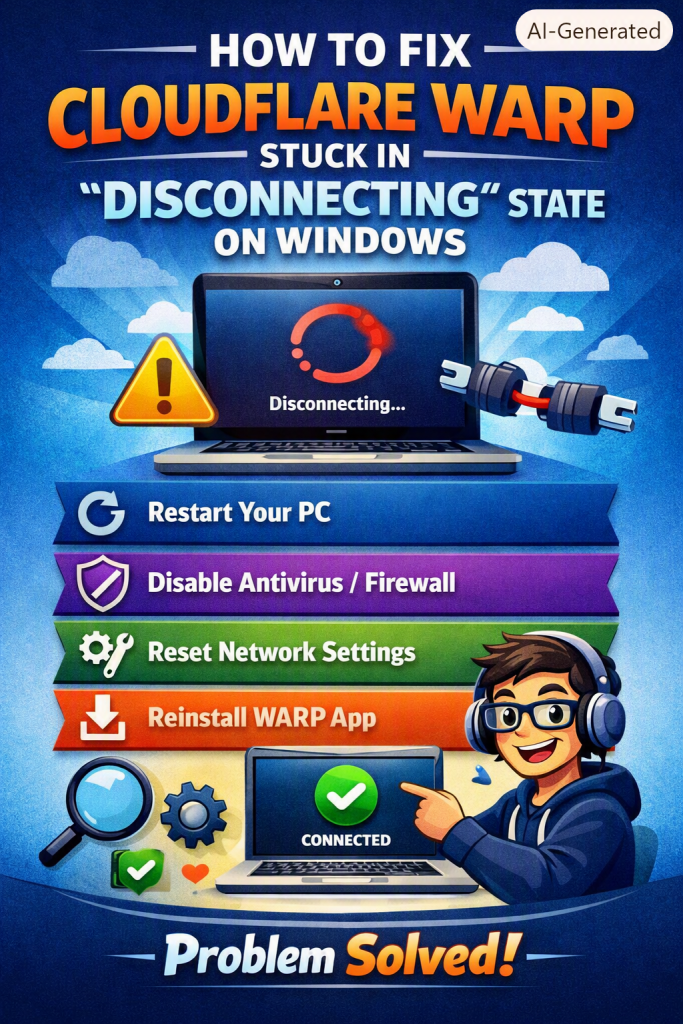
Advanced Fixes and Edge Cases
Check for Wi-Fi Direct Virtual Adapter conflicts on laptops. <cite index=”87-1″>Disabling the Microsoft Wi-Fi Direct Virtual Adapter has resolved this specific disconnect-reconnect cycling for some users</cite> — it’s a slightly obscure setting buried in Device Manager’s network adapters list, easy to miss if you’re not specifically looking for it.
Pull diagnostic logs if the issue is recurring. WARP’s client can export diagnostic logs showing exactly what the daemon was doing during the stuck state. Looking for Happy Eyeballs or connectivity check timeouts in those logs can point you toward network-level causes rather than client-level ones.
Check for known hardware-specific firmware bugs. If you’re on specific hardware experiencing this consistently and none of the software-side fixes help, check the manufacturer’s firmware changelog. <cite index=”93-1″>This has been confirmed for certain Dell firmware versions specifically, with a firmware update as the actual resolution rather than anything client-side.</cite>
Review third-party VPN or antivirus TLS inspection settings. If you’re running another VPN client or an antivirus product doing HTTPS inspection alongside WARP, add explicit exceptions for WARP’s IP ranges rather than assuming they’ll coexist peacefully by default.
Prevention Tips
- Avoid force-closing WARP during an active connection or disconnection — let it finish its own teardown when possible
- Keep the WARP client updated, since several of these known issues get patched in dot releases without much fanfare
- If you’re on Windows ARM hardware, expect this more often and keep the Device Manager adapter-removal steps handy
- Disable Teredo proactively on machines that use WARP regularly, rather than waiting for a stuck state to force the issue
- Check laptop manufacturer firmware updates periodically, especially after a stuck-state pattern starts appearing out of nowhere
FAQ
Is this a sign WARP is broken or unsafe to use? No. It’s a known client-state edge case, not a security or stability problem with the underlying service.
Will reinstalling WARP completely fix a stuck disconnect? Sometimes, but it’s a heavier step than necessary for most cases — try the service restart and adapter removal first.
Does this happen on macOS and Linux too? Similar stuck-state issues get reported across platforms, though the specific causes and fixes documented by Cloudflare vary by OS.
Why does it only happen sometimes and not every time I disconnect? Because it’s usually tied to timing — a sleep/wake cycle, a conflicting adapter coming up at the wrong moment, a service that didn’t fully clean up from the last session. Inconsistent triggers, inconsistent symptom.
Can I just leave WARP connected all the time to avoid this? That avoids the disconnect-specific version of the issue, sure, but it doesn’t fix the underlying cause if you ever do need to disconnect for troubleshooting elsewhere.
Editor’s Opinion
kind of funny that the official cloudflare fix for this is basically “turn it off and on again, but for real this time, and also try changing the mode” — not glamorous but hey it’s documented so at least your not just guessing. the teredo thing surprised me most, i genuinely forgot that setting existed until this sent me down a rabbit hole. anyway service restart before nuclear reinstall, that order matters more than people think.
