Installing Windows on a MacBook is possible — but the answer depends entirely on which MacBook you have, and that distinction changes everything. On Intel-based Macs, Boot Camp is still a legitimate option. On Apple Silicon (M1/M2/M3/M4), Boot Camp is completely gone, and your options are… different.
First, Figure Out Which Mac You Have
Go to the Apple menu → About This Mac. If it says “Apple M1,” “M2,” “M3,” or “M4” — you’re on Apple Silicon. If it says “Intel Core i5/i7/i9” — you’re on Intel.
This matters more than anything else in this article. Half the guides online are written for Intel Macs and silently assume Boot Camp exists. The other half are written for Apple Silicon and don’t bother mentioning that Boot Camp was ever a thing. Figure out which camp you’re in before reading anything else.
Intel Mac: Boot Camp Still Works (Mostly)
If you’re on an Intel Mac running macOS Ventura or earlier, Boot Camp Assistant is built right into your Applications → Utilities folder. It partitions your drive, installs the Windows support drivers, and walks you through the setup. From what I’ve seen, this process works fine the majority of the time — the failure cases are usually down to a flaky USB installer, a drive that’s nearly full, or Secure Boot settings that nobody warned you about.
What you need:
- A legitimate Windows 10 or Windows 11 ISO (download directly from Microsoft)
- At least 64GB of free space — more is better, Windows bloats fast
- A USB drive is no longer required; Boot Camp handles the ISO directly on most modern Intel Macs
The process, roughly:
- Open Boot Camp Assistant
- Point it at your Windows ISO
- Set your partition size — you can’t easily resize this later, so don’t be stingy
- Let it run; your Mac will restart into the Windows installer
- After Windows installs, Boot Camp will prompt you to install Apple’s drivers (trackpad, audio, GPU, etc.) — don’t skip this
One thing that tripped me up the first time: Windows won’t feel right until you install those Boot Camp drivers. The trackpad is unusable without them. Mouse acceleration is broken. Audio might not work. Install the drivers before you conclude that “Windows on Mac is terrible.”
To switch between macOS and Windows, hold Option at boot and pick which one to start.
Apple Silicon Mac: Boot Camp Is Gone, But You Have Options
Apple never released Boot Camp for M-series chips. The architecture is different — Windows ARM exists, but Microsoft doesn’t sell it to consumers directly, and the situation around licensing has been murky. Well, sort of — it’s actually more complicated than that. Microsoft does have Windows on ARM, and Parallels can run it, but you can’t just grab a standard Windows ISO and natively boot it the way you could on Intel.
Your real options on Apple Silicon:
Parallels Desktop — This is the one that actually works well. Parallels runs Windows ARM in a virtual machine, and it handles the ARM-to-x86 translation for most software automatically. From what I’ve seen, the compatibility is surprisingly good — most everyday Windows apps run fine. Gaming is a different story.
VMware Fusion — Also supports Apple Silicon now, and it’s free for personal use as of a couple years ago. Worth trying if you don’t want to pay for Parallels.
CrossOver — Not a VM, but a compatibility layer (based on Wine) that runs Windows apps directly on macOS without needing a full Windows install. It doesn’t run everything, but for a specific app you need, it’s worth checking their compatibility database first.
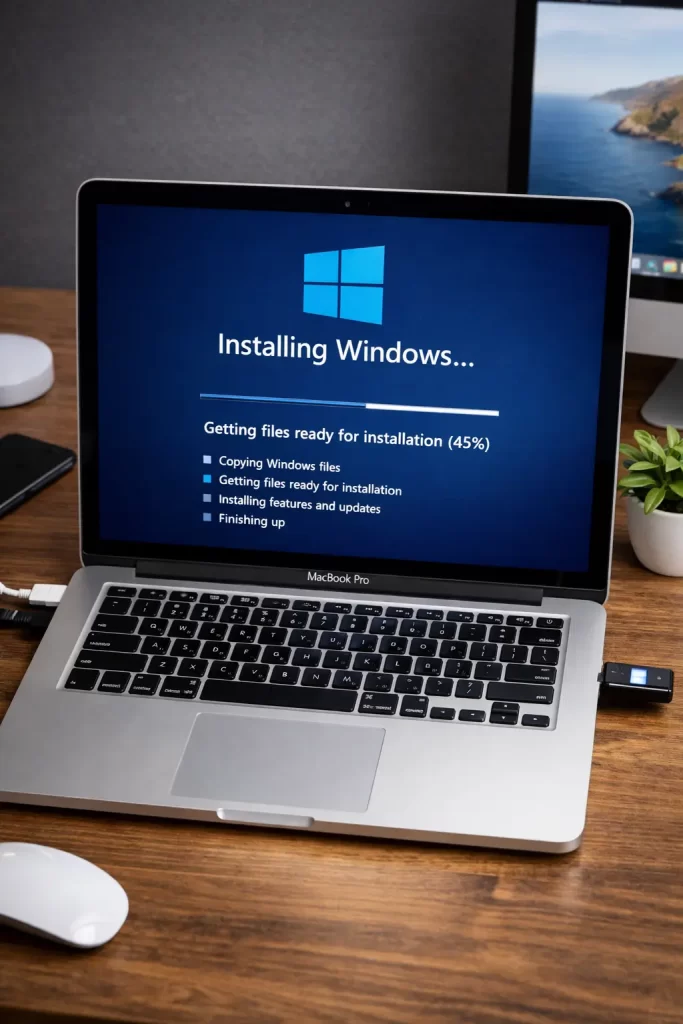
The Windows 11 on Apple Silicon Situation
Here’s the thing nobody explains clearly: to run Windows 11 on an M-series Mac through Parallels, you don’t download a regular Windows 11 ISO. You need a Windows 11 ARM image. Parallels actually handles this for you — when you create a new VM, it offers to download the ARM version automatically. Let it do that. Don’t try to point it at the x86 ISO you might already have downloaded; it won’t work.
Not 100% sure why Parallels makes this so low-key in the UI, but it does. It’s a one-click thing once you know it’s there.
What Doesn’t Work (And Gets Recommended Anyway)
A few things come up constantly in forum threads that either don’t work or aren’t worth the trouble:
- Installing Windows via external drive on Apple Silicon — People try all kinds of workarounds to get native Windows booting on M-series chips. None of them are stable, and most involve disabling security features. Not worth it for everyday use.
- Using VirtualBox on Apple Silicon — VirtualBox added Apple Silicon support relatively recently, and it’s still rough. I’ve seen it work, I’ve seen it crash constantly. Your mileage may vary.
- Resizing your Boot Camp partition later — Technically possible with third-party tools, but I wouldn’t bother. The risk of data loss is real. Just delete the partition and start over if you need more space.
What Actually Worked for Me
I went through this on an M2 MacBook Pro. My first instinct was to find a way to natively boot Windows — I’d been doing that on Intel Macs for years and assumed some community workaround existed. I spent about an hour reading through Reddit threads before concluding that no, there isn’t a clean solution for that, and the people doing it are running into enough headaches that it’s not worth replicating.
Switched to Parallels. Downloaded it, let it fetch the Windows ARM image, had a working Windows 11 VM running in maybe 20 minutes. The one thing I didn’t expect: it runs fast. Not “fast for a VM” — just fast. Browsing, Office apps, lighter dev tools — all fine. The trackpad gestures even work inside the VM if you set it up right.
The unexpected cause I’d overlooked: I’d been assuming Windows performance in a VM would be bad based on experiences from 5+ years ago. On Apple Silicon, that’s not the case anymore.
Intel vs Apple Silicon: Quick Comparison
| Intel Mac | Apple Silicon Mac | |
|---|---|---|
| Boot Camp available | Yes | No |
| Native Windows boot | Yes (x86) | No |
| VM option | Parallels, VMware, VirtualBox | Parallels, VMware Fusion |
| Windows version in VM | x86 Windows 10/11 | Windows 11 ARM |
| App compatibility in VM | High | Good (with translation layer) |
| Gaming | Possible, limited | Limited |
Advanced: If Boot Camp Setup Fails
Boot Camp Assistant fails more often than Apple admits. Common failure points:
“The disk cannot be partitioned” — Usually means your drive has APFS snapshots or Time Machine backups that are blocking the resize. Run tmutil thinlocalsnapshots / 999999999999 4 in Terminal to purge local snapshots, then try again.
Windows installer crashes during setup — Check your ISO. Re-download it directly from Microsoft’s site. A partially downloaded or corrupted ISO causes silent failures that look like hardware problems.
Drivers not installing after Windows setup — If the Boot Camp driver installer throws an error, try running it as Administrator inside Windows. Sometimes it also fails if Windows Updates are pending — run updates first, reboot, then retry the driver install.
Boot Camp partition won’t delete — If you’re trying to remove Windows and Boot Camp Assistant hangs, you can manually delete the partition from Disk Utility in macOS Recovery, then repair the disk with diskutil repairVolume /.
FAQ
Can I run Windows on an M3 or M4 MacBook for free?
Parallels isn’t free, but VMware Fusion is free for personal use and supports Apple Silicon. You’ll still need a Windows license — Microsoft doesn’t give those away. The Windows ARM ISO that Parallels fetches comes with a temporary license; you’ll need to activate it.
Does gaming work in Boot Camp on Intel Macs?
Sometimes. DirectX games generally run, and performance is reasonable on Macs with dedicated GPUs. But driver support has always been a weak point — some games crash, some refuse to launch, and Apple’s Boot Camp GPU drivers lag behind. Don’t buy a Mac expecting to game on Windows side.
Will my Windows apps run on Apple Silicon through Parallels?
Most of them, yes. Parallels translates x86 Windows apps to ARM on the fly. Where it falls down is heavily hardware-accelerated stuff — 3D-intensive apps, some security software, and certain legacy 32-bit applications. Check the app specifically if you have doubts.
Can I install Windows without a product key?
You can install and run Windows without activating it. Microsoft allows this indefinitely — you just get a watermark on the desktop and can’t change some personalization settings. For testing or occasional use, it’s fine.
Is Boot Camp going away on Intel Macs too?
Not yet, but macOS support for older Intel Macs is slowly being dropped. Boot Camp support follows macOS support. At some point, older Intel Macs will stop receiving macOS updates, and Boot Camp with them.
Editor’s Opinion
honestly for most people just get Parallels and move on. the native boot camp thing sounds cooler but unless you really need raw GPU performance for gaming its not worth the trouble especially on newer macs. VM is fine. it’s fast. it works. and you don’t have to reboot every time you need one Windows app. the only thing that annoys me is Parallels subscription pricing — they’ll get you eventually.
