The ADB server didn’t ACK error shows up right when you try to launch the Android Studio emulator, and it almost always means something else has a lock on port 5037. I’ve hit this one on three different machines over the years — once from a VPN client, once from a leftover process after a crash, and once from something as dumb as a second copy of Android Studio still running in the background. This walks through why it happens and the fixes that actually resolve it, not just the ones that get repeated everywhere.
Quick Answer
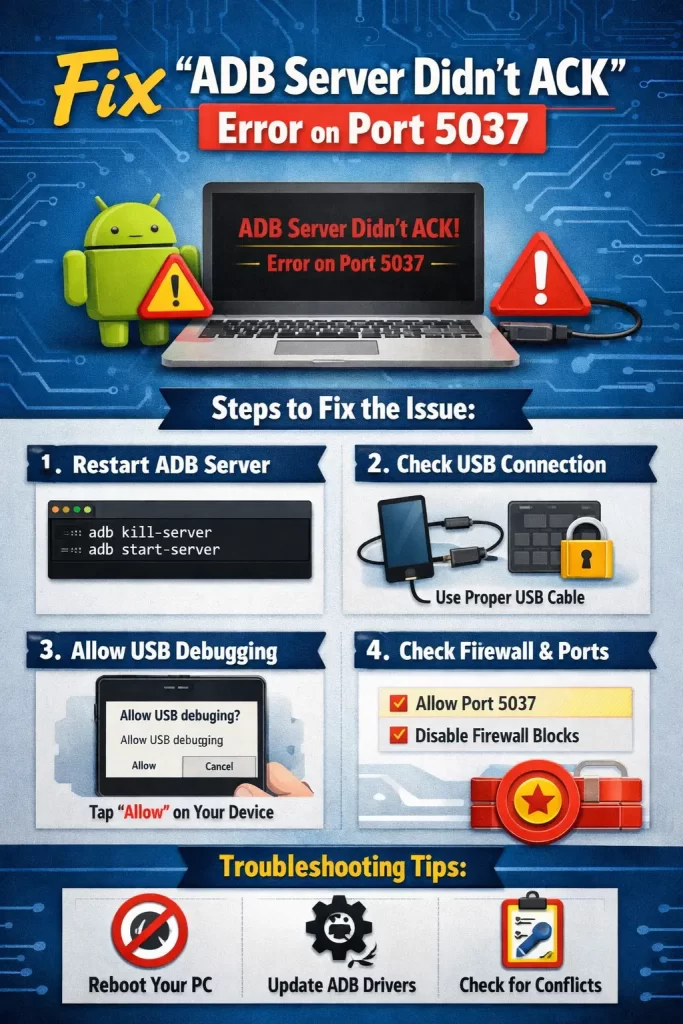
- Kill any process using port 5037 before restarting the ADB server
- Run
adb kill-serverthenadb start-serverfrom a terminal, not just from Android Studio’s UI - Check for antivirus or firewall software blocking local loopback connections
- Look for a second instance of adb.exe or a VPN client holding the port open
- Restart Android Studio as administrator (Windows) if permission issues are involved
Why It Fails
This error is really just ADB reporting that it tried to reach its own daemon over port 5037 and got no response. So the actual causes are all about why that port isn’t behaving, not the daemon itself being broken.
Another process is already bound to port 5037. This is the cause behind most cases. ADB’s daemon listens on 5037 by default, and if anything else — a leftover adb.exe process, a different SDK tool, even some VPN or corporate proxy software — grabs that port first, the new daemon can’t start and never sends the ACK signal back.
A crashed or orphaned adb process. If Android Studio or an emulator crashed hard last time, the adb server process sometimes survives the crash and keeps the port locked, even though nothing visible is using it anymore.
Firewall or antivirus software blocking loopback traffic. Not super common, but it happens more with corporate security software than consumer antivirus. ADB communicates over localhost (127.0.0.1), and some overly aggressive firewall rules block that traffic entirely without any obvious warning.
Multiple Android SDK installations conflicting. If you’ve got Android Studio and a separate standalone SDK, or two Android Studio installs (say, one from a package manager and one manual), each with its own adb binary, they can fight over the same port without either one realizing the other exists.
Corrupted ADB installation after an SDK update. Rare, but SDK updates occasionally leave the adb binary in a half-updated state. This one usually comes with other odd symptoms too, like the emulator list failing to populate.
Common Scenarios
The exact fix depends a bit on your OS, so here’s where this tends to show up:
| Environment | Typical Cause | Most Reliable Fix |
|---|---|---|
| Windows | VPN client or antivirus holding the port | Kill adb.exe in Task Manager, then restart as admin |
| macOS | Leftover adb process after a crash | killall adb in Terminal, then restart Android Studio |
| Linux | Permission or SELinux restriction | Check port ownership with lsof, adjust permissions |
| WSL2 (Windows) | Port forwarding conflict between WSL and host | Restart WSL networking, or run ADB server on Windows side only |
Step-by-Step Fixes
Step 1: Check what’s using port 5037
On Windows, open Command Prompt and run:
netstat -ano | findstr 5037This shows the process ID (PID) holding the port. Cross-reference it in Task Manager’s Details tab to see what it actually is.
On macOS/Linux, run:
lsof -i :5037Same idea — this lists the process name and PID directly.
Step 2: Kill the conflicting process
If it’s a stray adb process, kill it directly:
adb kill-serverIf that doesn’t clear it (and sometimes it won’t, since the process might not even be adb itself), kill it by PID:
- Windows:
taskkill /PID <pid> /F - macOS/Linux:
kill -9 <pid>
Step 3: Restart the ADB server manually
Don’t just relaunch Android Studio and hope. Run this from a terminal first:
adb start-serverYou should see “daemon started successfully” with no ACK error. If it fails here too, the problem’s not Android Studio — it’s the environment.
Step 4: Check for VPN or proxy software
Temporarily disconnect any VPN client and try again. And this is the one people skip most often — corporate VPN clients in particular love grabbing local ports for their own tunneling, and 5037 isn’t off limits to them.
Step 5: Restart Android Studio with elevated permissions (Windows only)
Right-click the Android Studio shortcut and choose “Run as administrator.” Permission conflicts on Windows can prevent adb from binding to the port even when nothing else is technically using it.
Step 6: Reset the ADB installation
If nothing above works, go to SDK Manager > SDK Tools, uncheck “Android SDK Platform-Tools,” apply, then re-check it and apply again. This forces a clean reinstall of the adb binary itself.
What Actually Worked For Me
So the first time I hit this, I assumed it was Android Studio being Android Studio — buggy, needs a restart, whatever. Restarted it three times. Didn’t help.
Ran netstat -ano | findstr 5037 more out of habit than confidence, and there it was — a PID that turned out to belong to my company’s VPN client, not anything Android-related at all. Killed the process, ran adb start-server manually, and it started clean on the first try.
That’s not always the fix though — a second time, on a different machine, the actual issue was a completely unrelated crash from the day before that left an orphaned adb.exe process sitting in Task Manager with zero CPU usage, easy to miss if you’re not specifically looking for it. Killed that one manually, and everything came back immediately. Your mileage may vary depending on what’s actually parked on that port, but checking what’s holding it beats guessing every time.
Advanced Fixes and Edge Cases
Change the ADB server port entirely. If 5037 is permanently contested on a shared or corporate machine, set the ANDROID_ADB_SERVER_PORT environment variable to something else (5038, for example) and restart. This sidesteps the conflict rather than resolving it, but it works when you don’t control the other process.
WSL2-specific port forwarding conflicts. If you’re running Android Studio on Windows with WSL2 involved anywhere in your workflow, the WSL virtual network adapter can occasionally intercept traffic meant for 127.0.0.1:5037. Restarting the WSL network stack (wsl --shutdown from PowerShell, then relaunch) has resolved this for people I’ve talked to, though it’s not something Google documents clearly anywhere.
Check for SELinux or AppArmor restrictions on Linux. Run sudo dmesg | grep denied right after attempting to start the server. If SELinux is blocking the bind, you’ll see it here — the fix usually involves adjusting the relevant policy rather than disabling SELinux entirely.
Corrupted ~/.android directory. On rare occasions, a corrupted adbkey or config file in the .android folder (in your user home directory) can prevent the daemon from initializing properly. Renaming the folder temporarily (don’t delete it outright, just in case) and letting Android Studio regenerate it sometimes clears issues nothing else touches.
What Rarely Works
Reinstalling Android Studio entirely is suggested constantly for this and it almost never actually fixes it, since the root cause is nearly always something external holding the port, not Android Studio itself being broken. Restarting your whole computer works sometimes, sure, but it’s a blunt fix for something you can usually diagnose in under a minute with netstat or lsof — worth trying the targeted approach first.
Prevention Tips
- Close Android Studio properly instead of force-quitting when you can avoid it, since that’s what leaves orphaned adb processes behind
- Check port 5037 before launching if you’re on a machine with corporate VPN or security software installed
- Keep platform-tools updated, since Google does occasionally patch adb stability issues
- Avoid running multiple SDK installations on the same machine unless you genuinely need to
FAQ
Does this error mean my emulator is broken? No — it’s specifically an ADB daemon communication issue, not an emulator problem. The emulator itself is usually fine once ADB is sorted out.
Can antivirus software cause this on a personal (non-corporate) machine? Yes, though it’s less common than with corporate security tools. Some consumer antivirus suites with aggressive network monitoring have been reported to interfere with local ADB traffic.
Why does this happen more often after a Windows update? Windows updates occasionally reset firewall rules or reintroduce blocked ports, which can re-trigger this even if it was previously fixed on the same machine.
Is it safe to change the ADB server port? Yes, it’s a supported environment variable and doesn’t affect emulator functionality — it just moves which port ADB listens on.
Will this happen again after I fix it once? Possibly, especially if the root cause is a VPN client or antivirus tool you use regularly. Once you know the fix takes ten seconds, it’s a lot less annoying the second time around.
Editor’s Opinion
This one’s almost never actually broken software, it’s just something else parked on the port without telling you. Check netstat or lsof before restarting anything, that’s the honest first move every time. Took me two separate incidents to learn that lesson properly, so hopefully this saves someone the repeat.
