When Will Windows 12 Be Released? — this question has been one of the biggest discussions in the tech world. Whether you’re a casual computer user or someone who follows every Microsoft update, the idea of Windows 12 brings excitement, curiosity, and a bit of uncertainty. Many people want to know what will happen in Windows 12, what features it will have, and when exactly it will be released. In this guide, we will explore everything we know so far about Microsoft’s next-generation operating system.
⭐ Introduction: What We Know Right Now
Windows 12 has been surrounded by rumors, leaks, predictions, and plenty of expectations. Microsoft has not officially confirmed a release date yet, but based on the company’s history and recent patterns, many experts believe a new version is coming sooner than expected.
This article takes a deep dive into what Windows 12 might bring, what changes Microsoft could introduce, and what features users are expecting. We will also analyze official statements, insider leaks, and industry patterns to predict the future of Windows.
1. When Will Windows 12 Be Released?
Right now, Microsoft has not officially announced Windows 12. But based on trends, here’s what we can predict:
✔ Microsoft’s release cycle
Microsoft used to release a new Windows version every 3 years.
- Windows 7 → 2009
- Windows 8 → 2012
- Windows 10 → 2015
- Windows 11 → 2021
If Microsoft returns to a similar pattern, Windows 12 could arrive around late 2025 or early 2026.
✔ Insider leaks suggest a new version
Several Windows insiders and tech journalists have said that Microsoft has a project codenamed “Next Valley”, which is widely believed to be Windows 12.
✔ AI-focused Windows
Microsoft has been pushing AI heavily since launching Copilot. Many reports claim that Windows 12 will integrate AI deeply, and a release tied to new “AI PCs” could happen.
So the most realistic prediction is:
📌 Expected Windows 12 Release Date: Late 2025 (or early 2026)
This aligns with both Microsoft’s release patterns and multiple insider claims.
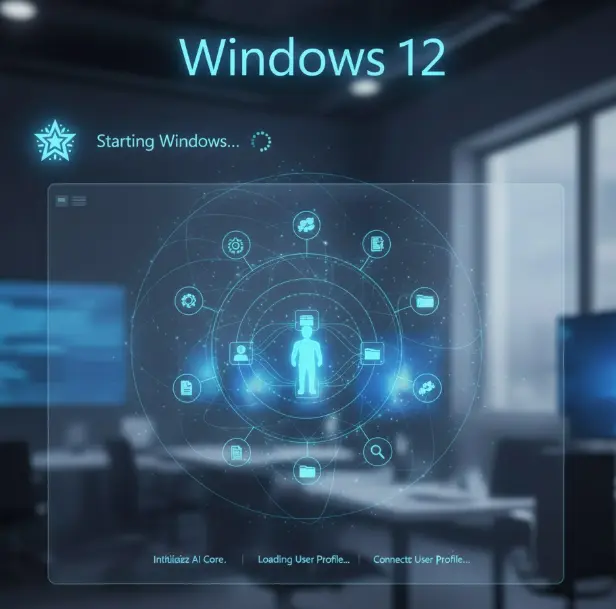
2. What Will Happen in Windows 12?
Windows 12 is expected to be a major redesign, not just a simple update. Here are the biggest changes that experts expect:
⭐ A More Modular Operating System
Windows 12 may be built differently from previous versions.
✔ What does modular mean?
Instead of one big system, Windows 12 may use separate modules. This means:
- Better performance
- Faster updates
- Fewer crashes
- More security
Microsoft has been testing modular systems like Windows Core OS and Windows 10X, so this is very likely.
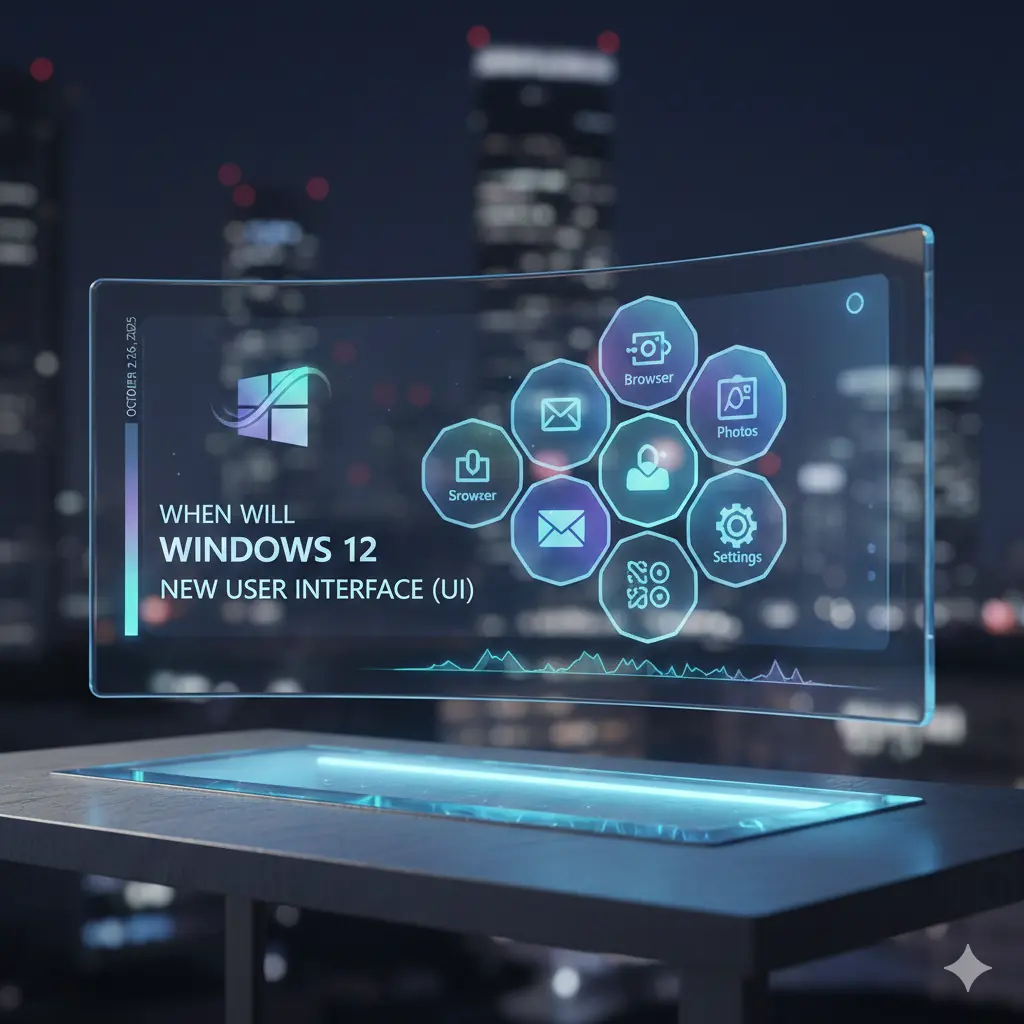
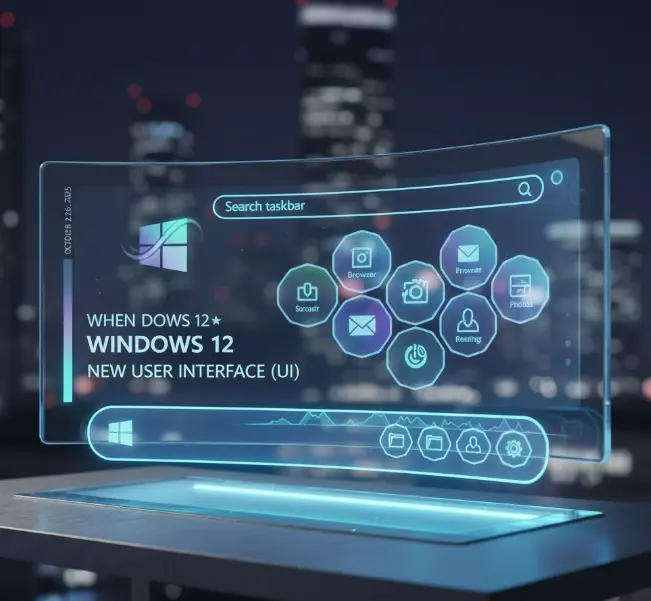
⭐ A New User Interface (UI)
Leaked concept images show:
- A floating taskbar
- A floating search bar
- A cleaner desktop layout
- More rounded corners
- New animation styles
Windows 11 already made UI changes, and Windows 12 is expected to push the design even further.
⭐ AI Everywhere
Windows 12 is rumored to be Microsoft’s first true AI-powered OS.
You may see:
- AI in the taskbar
- AI in File Explorer
- AI that helps manage battery and performance
- AI features built directly into window layouts
- Smarter search
- Deeper integration with cloud services
Microsoft Copilot will likely become a central part of the OS.
⭐ Better Performance for Older PCs
Although Windows 11 raised system requirements, Windows 12 may actually be more efficient.
Features could include:
- Better memory management
- Faster wake times
- Improved gaming performance
- Smarter resource allocation
A modular OS helps performance, making Windows faster even on older devices.
⭐ Stronger Security
Expect:
- More protection against malware
- Better encryption
- More secure boot systems
- Cloud-based security tools
Microsoft is turning Windows into a fully modern OS with built-in protections.
3. What New Features Will Windows 12 Have?
Let’s look at the features users expect (and some already hinted by Microsoft).
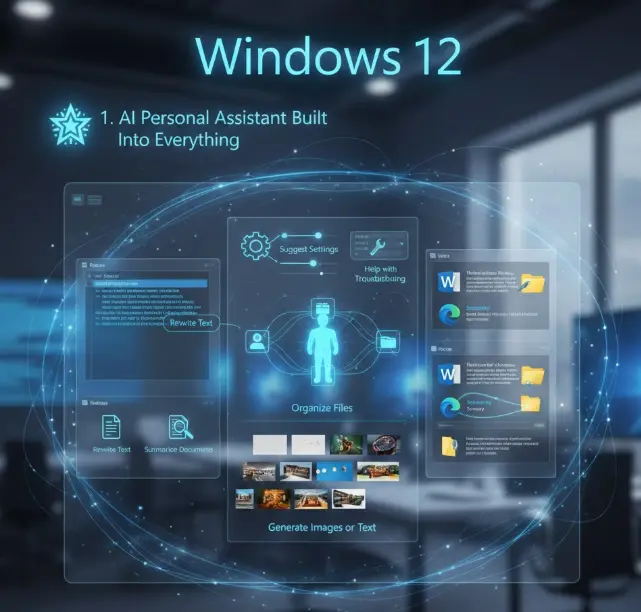
⭐ 1. AI Personal Assistant Built Into Everything
Unlike Cortana, the new AI assistant will:
- Rewrite texts
- Summarize documents
- Suggest settings
- Help with troubleshooting
- Organize files
- Generate images or text
- Work inside apps like Word, Edge, and File Explorer
You may see AI suggestions similar to the ones in Microsoft 365.
⭐ 2. More Cloud Integration
Windows 12 may rely more on cloud services.
Possible features:
- Cloud profile syncing
- Restoring Windows from the cloud
- Cloud-based performance optimization
- Cloud-based updates
This could create a Windows experience that feels the same on any device.
⭐ 3. New Snap Layouts & Window Controls
Snap layouts were one of Windows 11’s best features.
Windows 12 might bring:
- Smart snap suggestions
- Custom snap grids
- AI-based window arrangement
- Improved multi-monitor support
Everything may become easier for productivity users.
⭐ 4. A Redesigned Settings App
The current Settings app still feels unfinished.
Windows 12 could include:
- A cleaner layout
- Faster loading
- Better search
- More categories
- Easy device management
Many users want this change, and Microsoft has already started improving Settings in recent Insider updates.
⭐ 5. Better Touch & Tablet Mode
Windows 11 improved touch controls, but Windows 12 may focus more on:
- Tablet mode
- Better gesture control
- Larger touch targets
- Smoother animations
- A more flexible UI
This is important because Microsoft is planning more Surface tablets.
⭐ 6. Improved Gaming Features
Microsoft may add:
- Better DirectStorage support
- Auto HDR improvements
- More stable drivers
- Game Mode upgrades
- New Xbox app features
Gaming is one of Windows’ strongest areas, and Windows 12 may take it even further.
⭐ 7. Possible New App Store
Users have complained about the Microsoft Store for years.
Windows 12 might include:
- Faster downloads
- Better update system
- More real desktop apps
- More stable UI
Microsoft wants developers to publish more apps in the store, so improvements are expected.
4. Will Windows 12 Be a Free Upgrade?
Right now, the answer is:
Most likely yes — but with conditions.
Microsoft has given free upgrades for:
- Windows 7 → Windows 10
- Windows 10 → Windows 11
Windows 12 might also be a free upgrade for Windows 11 users, but only if:
- Your PC meets system requirements
- You have a genuine license
Older devices (like pre-2018 CPUs) may be excluded, just like with Windows 11.
5. Will You Need a New PC for Windows 12?
Possibly.
Windows 11 already requires:
- TPM 2.0
- Secure Boot
- Modern CPUs
Windows 12 may push this further, especially with AI-powered features.
You might need:
- A newer CPU
- NPU (Neural Processing Unit) for AI
- More RAM
- Better graphics
Many new laptops coming in 2025 will include NPUs, which could become a requirement.
6. Should You Wait for Windows 12 or Buy a PC Now?
Here’s a quick guide:
✔ Buy a PC now if:
- You need a computer immediately
- You use your PC for gaming
- You need a work machine
Modern laptops should support Windows 12 anyway.
✔ Wait if:
- You plan to buy a device in late 2025
- You want the newest AI features
- You prefer to use the latest OS
Since AI PCs are the future, waiting could give you more power and longer support.
7. Final Thoughts: What Windows 12 Means for Users
Windows 12 represents a big shift toward:
- AI
- Cloud computing
- Modular OS design
- Better performance
- Better security
- Modern user experience
If Microsoft releases Windows 12 in 2025, it could become the most ambitious version yet. It will likely offer smarter tools, a cleaner interface, and a more futuristic Windows experience.
The future of Windows looks exciting — and Windows 12 might be the biggest step forward in years.
